 IT & Networking
 Table of Contents
A local insurance office in Montgomery County, PA reached out to us after months of frustration. Their Wi-Fi constantly dropped during video calls, customers couldn’t connect to the guest network, and security cameras in the back of the building frequently went offline.
They were running multiple consumer routers and range extenders - a patchwork setup that was never meant for business use.
The Problem
The office layout included multiple rooms with cinder-block walls and a large metal filing area that interfered with wireless signal. The mix of old routers caused overlapping channels, poor hand-offs, and constant disconnects.
Employees complained about sluggish internet speeds, especially when uploading large files or hosting online meetings.
The Assessment
We performed a site survey using UniFi’s Wi-Fi analyzer tools to map coverage, interference, and client load. It was clear they needed:
-
Centralized management
-
Proper AP placement
-
Separate networks for employees, guests, and cameras
Our Solution
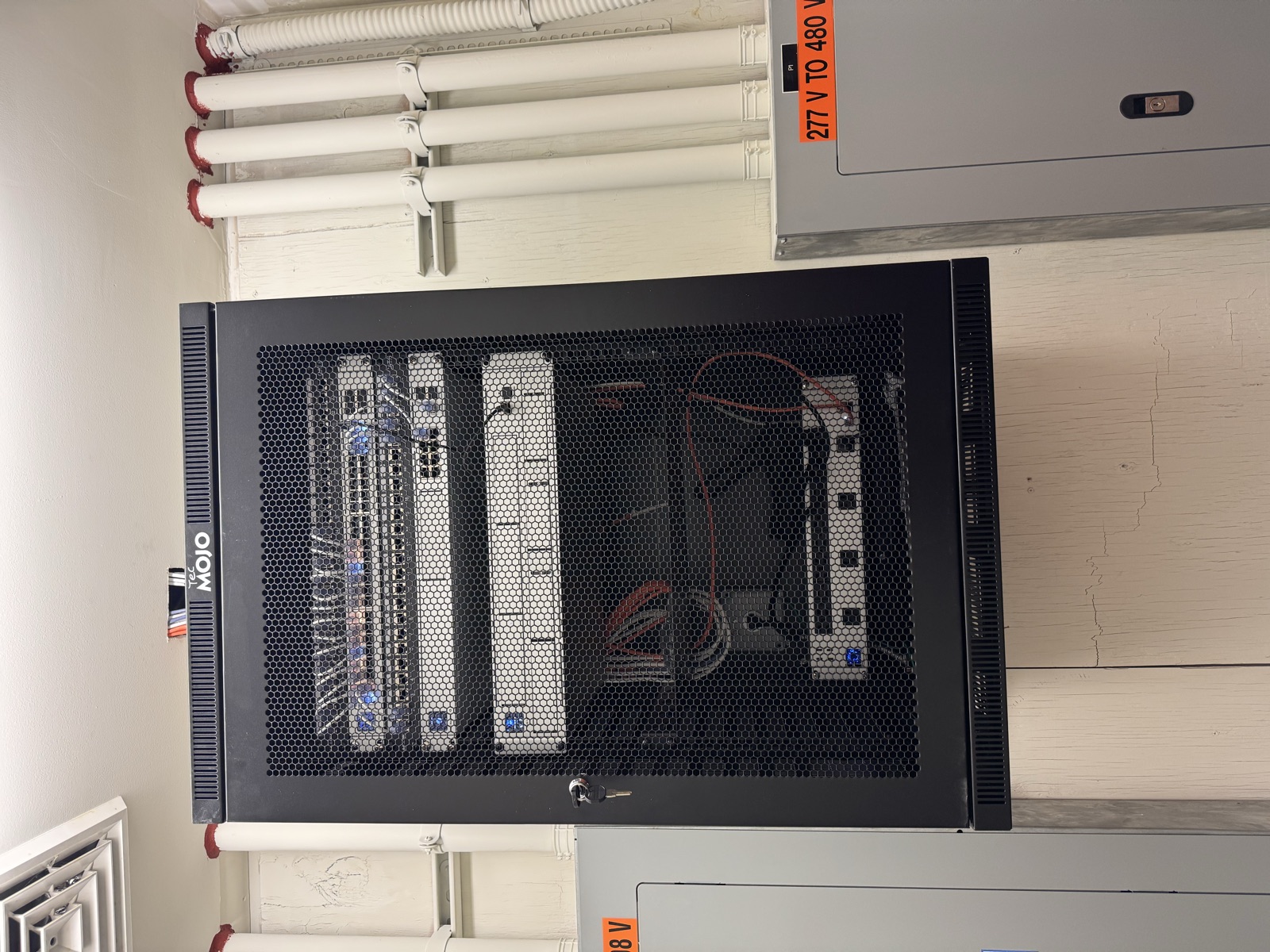
We installed:
-
(3) UniFi U6+ Access Points for balanced indoor coverage
-
(1) UniFi Cloud Gateway Ultra for network control and traffic segmentation
-
(1) UniFi Switch Pro 16 PoE for clean, powered connections
-
Properly terminated Cat6 runs to each AP with concealed cabling and labeled ports
Then we configured VLANs to isolate office devices from guest and camera traffic - improving both speed and security.
💡 Pro Tip: The UniFi Cloud Controller allows remote monitoring, firmware updates, and analytics - keeping the system optimized automatically.
The Results
Immediately after deployment:
-
Signal strength improved by over 70% in the back rooms.
-
The guest Wi-Fi became stable across all devices.
-
Security cameras streamed continuously with zero dropouts.
The client reported smoother Zoom calls and faster file uploads - and no more “Wi-Fi roulette.”
Graff’s Takeaway
Good Wi-Fi isn’t about just plugging in a router - it’s about design, placement, and proper configuration.
If your home or business has areas with poor signal, we can design a professional UniFi Wi-Fi solution that provides strong, consistent coverage everywhere you need it.
👉 Call (215) 974-0720 today to schedule a Wi-Fi site assessment with Graff’s Electric & IT Solutions.
Sponsored
Need a Licensed Electrician?
Serving Bucks & Montgomery County. Free estimates on all projects.
Get Your Free EstimateNeed Help With This?
Graff's Electric & IT Solutions is here to help with all your electrical and technology needs in Bucks & Montgomery County.