 IT & Networking
 Table of Contents
❌ Myth: One Router Can Handle the Whole House
Internet providers often supply a single router and imply it’s all you’ll ever need.
For small apartments, that might be true.
For modern homes? Almost never.
✅ Fact: Wi-Fi Weakens Over Distance and Obstacles
Wi-Fi signals lose strength as they pass through:
-
Walls
-
Floors
-
Ductwork
-
Appliances
-
Electrical interference
The farther you move from the router, the weaker and less reliable the signal becomes.
Why Bigger Homes Need More Than One Access Point
Most homes today have:
-
Multiple floors
-
Finished basements
-
Home offices
-
Smart TVs and streaming devices
-
Security cameras and doorbells
Trying to serve all of that from one router leads to:
-
Dead zones
-
Slow speeds
-
Dropped connections
-
Buffering and lag
Extenders and Mesh Aren’t Always the Answer
Wi-Fi extenders and consumer mesh systems can help - but they still have limits.
Common issues include:
-
Reduced speed at each hop
-
Inconsistent roaming
-
Signal overlap and interference
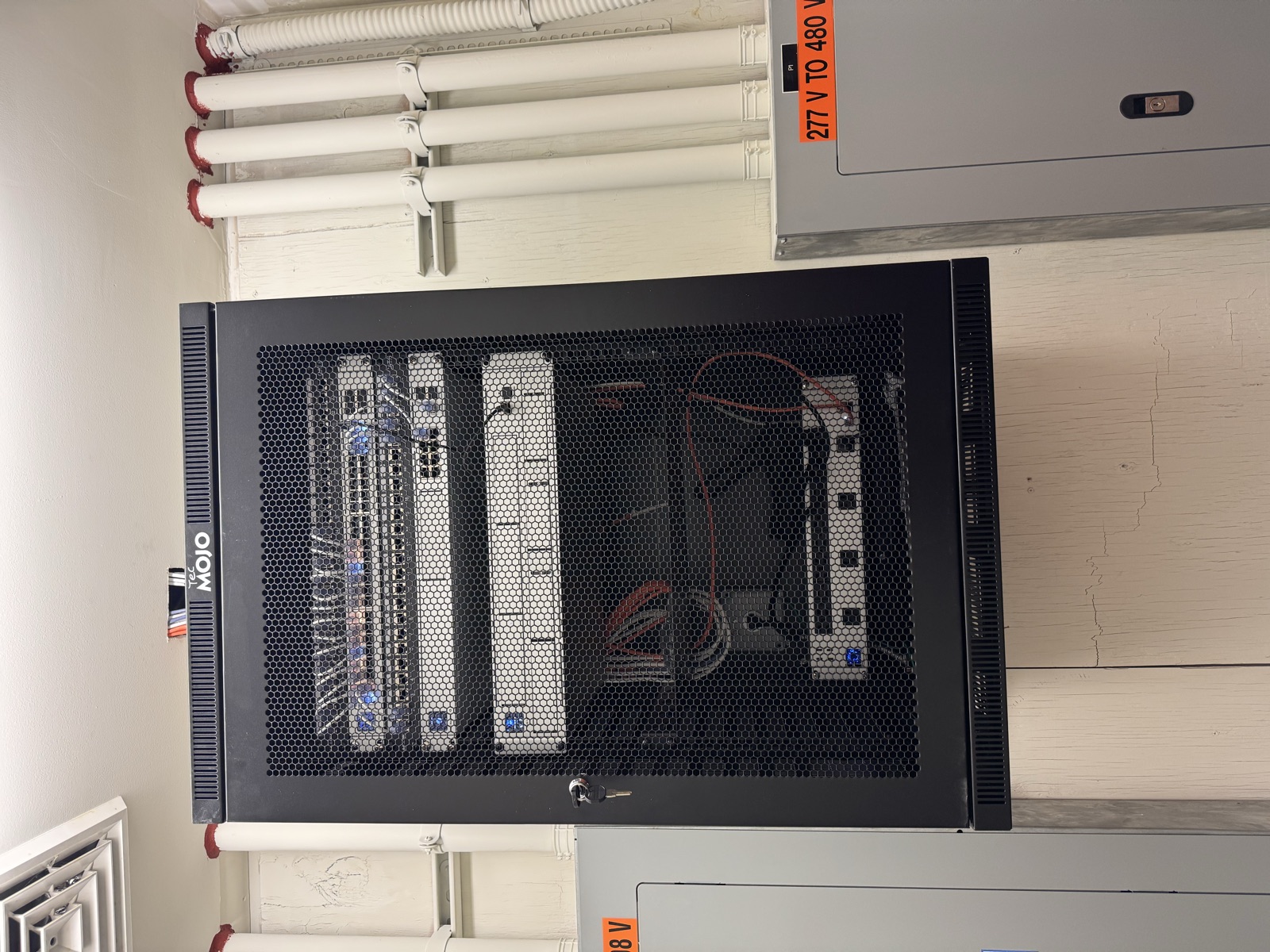
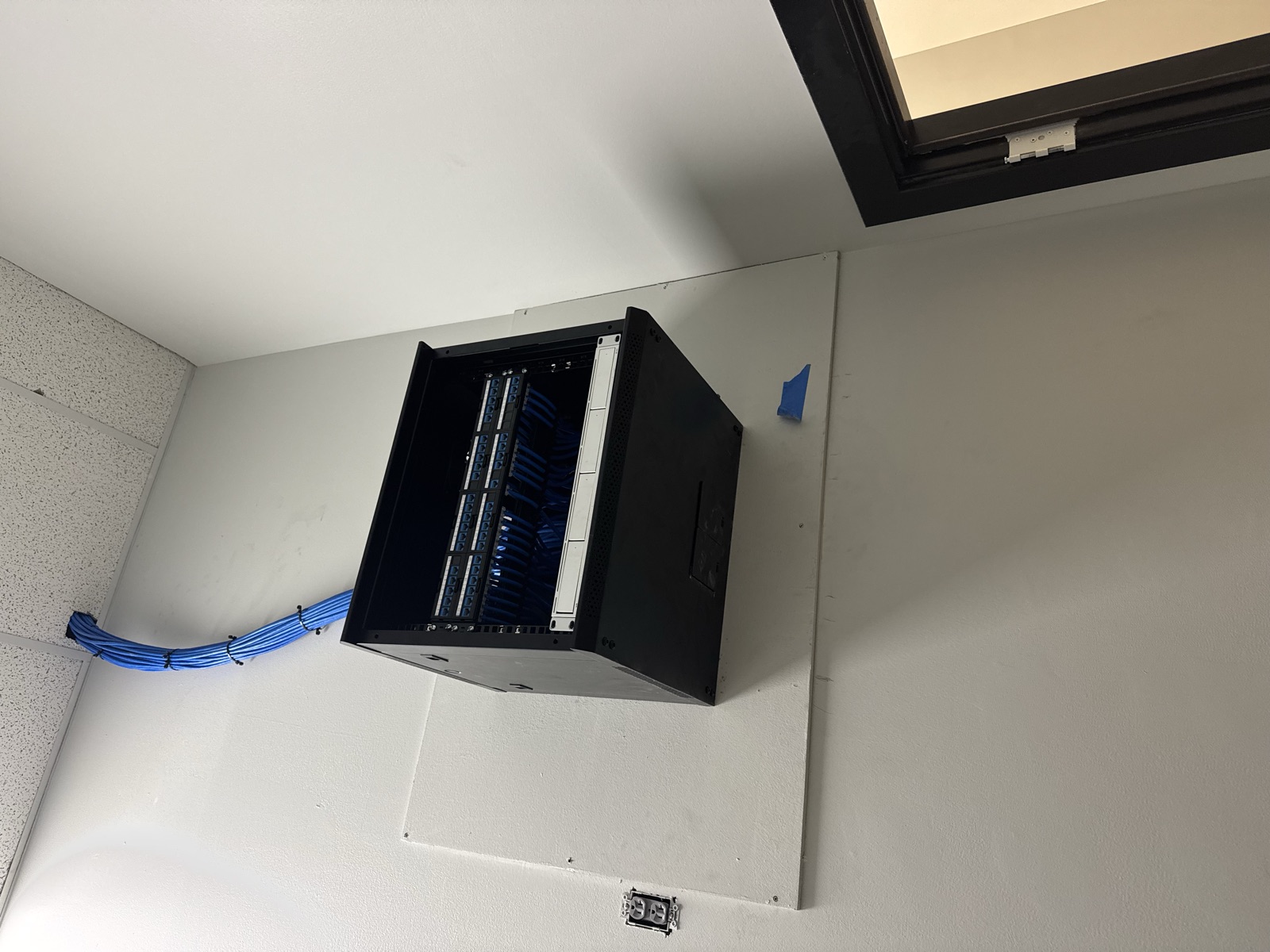
Professionally designed systems use hardwired access points for best performance.
How Professional Wi-Fi Systems Solve the Problem
A properly designed Wi-Fi network includes:
-
Multiple ceiling-mounted access points
-
Hardwired backhaul connections
-
Strategic placement for coverage
-
Seamless roaming throughout the home
The result is fast, reliable Wi-Fi everywhere - not just near the router.
Graff’s Takeaway
One router might technically work - but it rarely works well.
At Graff’s Electric & IT Solutions, we design Wi-Fi networks that match how homes are actually used, not how routers are marketed.
👉 Call (215) 974-0720 to schedule a Wi-Fi assessment and eliminate dead zones for good.
Sponsored
Need a Licensed Electrician?
Serving Bucks & Montgomery County. Free estimates on all projects.
Get Your Free EstimateNeed Help With This?
Graff's Electric & IT Solutions is here to help with all your electrical and technology needs in Bucks & Montgomery County.