 IT & Networking
 Table of Contents
In today’s world, reliable Wi-Fi is no longer a luxury - it’s a necessity. Whether it’s a home full of streaming devices or an office where productivity depends on connectivity, dead zones and weak signals cause frustration. The good news: there are proven solutions that can extend Wi-Fi coverage and give you consistent performance throughout your space.
1. Understand Why Wi-Fi Weakens
Wi-Fi signals lose strength when they have to travel through:
-
Thick walls or floors (concrete, brick, plaster)
-
Large distances between the router and the device
-
Interference from appliances, other networks, or electronics
If you’re relying on a single router, it’s often not enough for a large home or office.
2. Upgrade Your Router Placement
Sometimes the fix is simple: move your router to a central, elevated spot. Routers shoved in basements, behind TVs, or inside closets have their signal blocked. Central placement reduces dead spots and spreads the signal evenly.
3. Consider Mesh Wi-Fi Systems
For larger homes, mesh Wi-Fi is one of the most effective solutions. A mesh system uses multiple nodes (small access points) placed throughout the building. Together, they create one seamless network where devices automatically connect to the strongest signal. This is great for multi-story homes or offices.
4. Install Professional Access Points
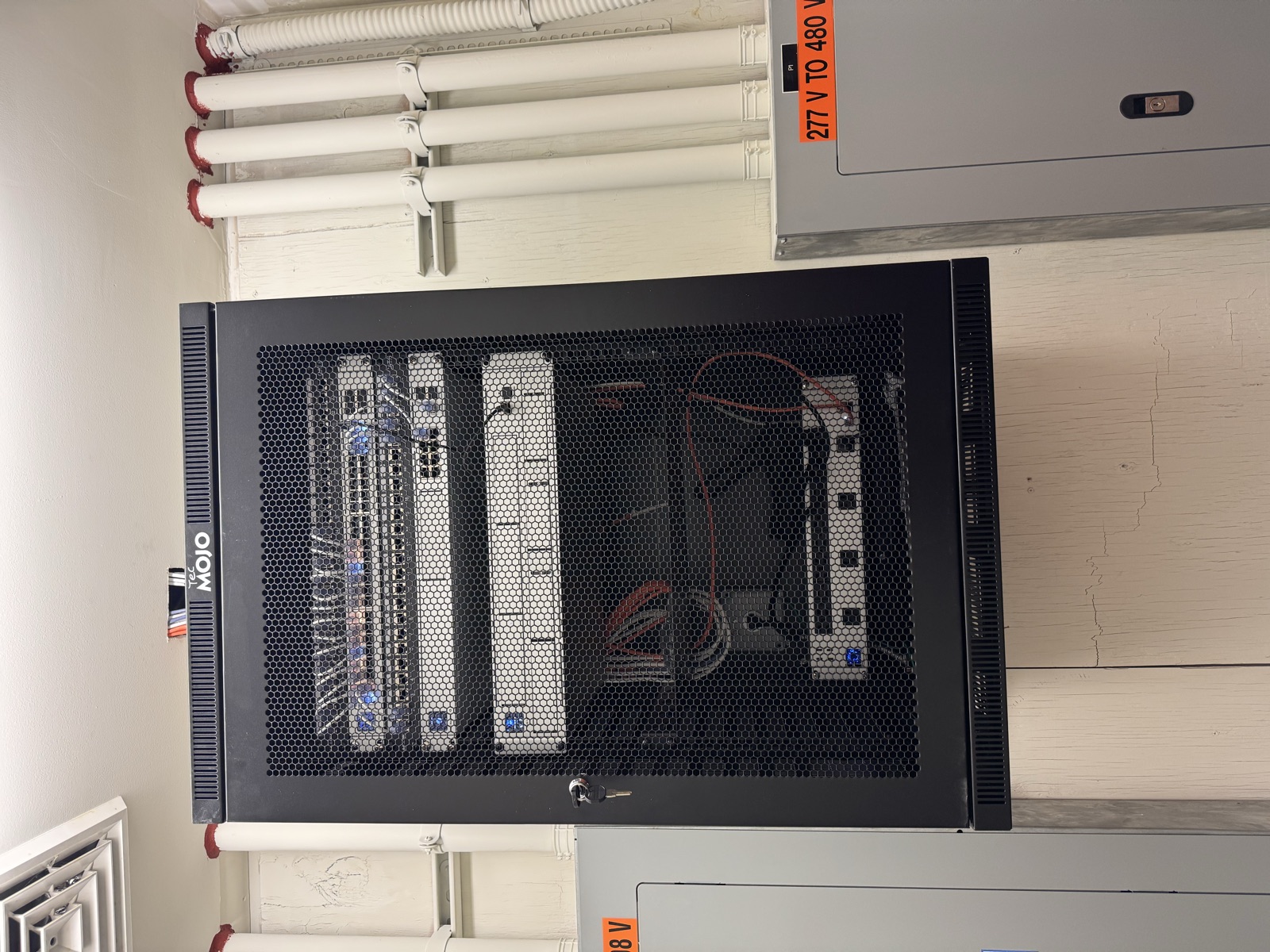
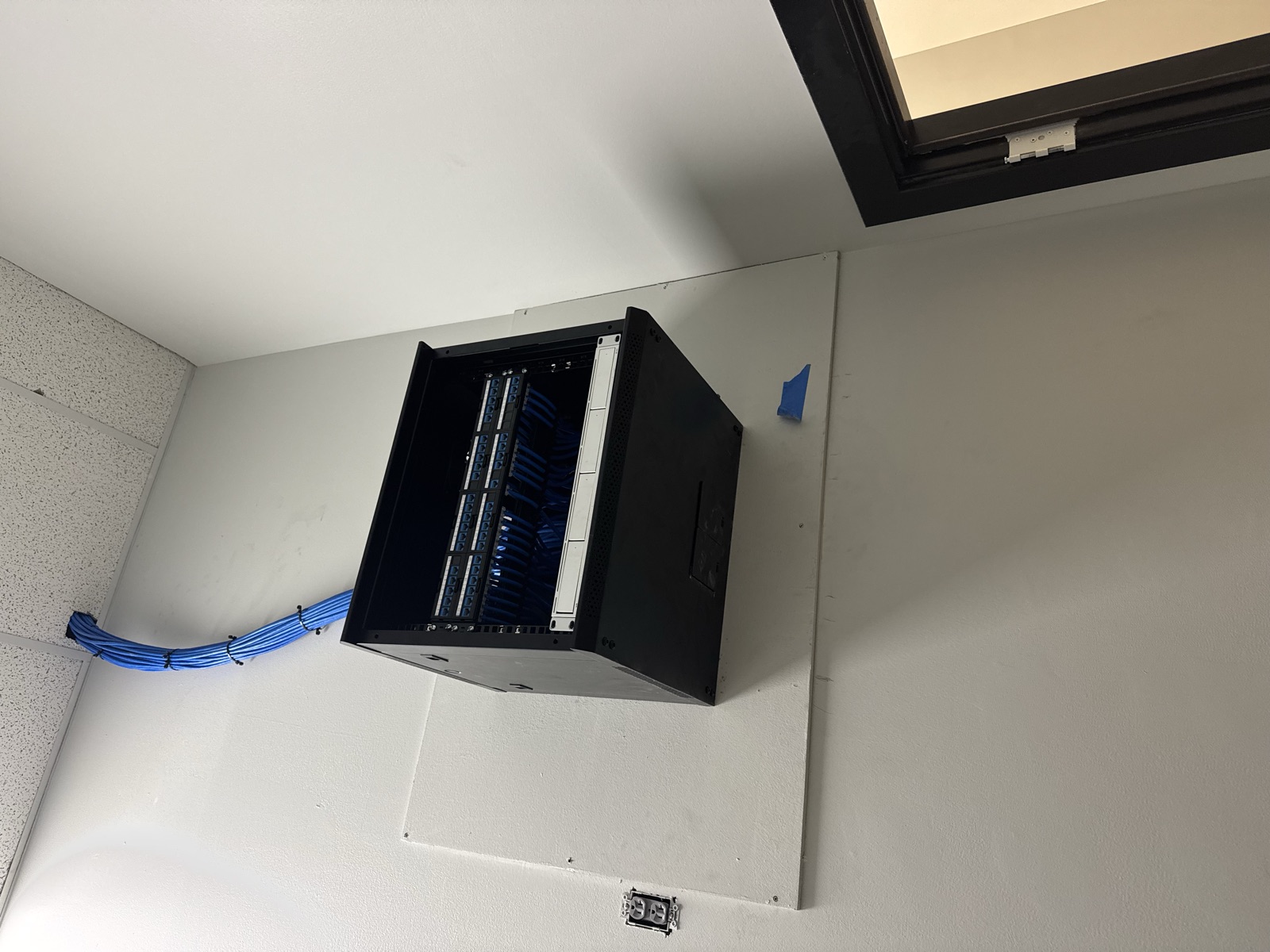
While mesh systems are excellent for homeowners, businesses often benefit from hardwired access points. These connect back to a network rack or switch using Ethernet and broadcast strong, reliable Wi-Fi throughout the building. Professional-grade access points handle more devices at once and provide higher stability.
5. Use Wired Backbones When Possible
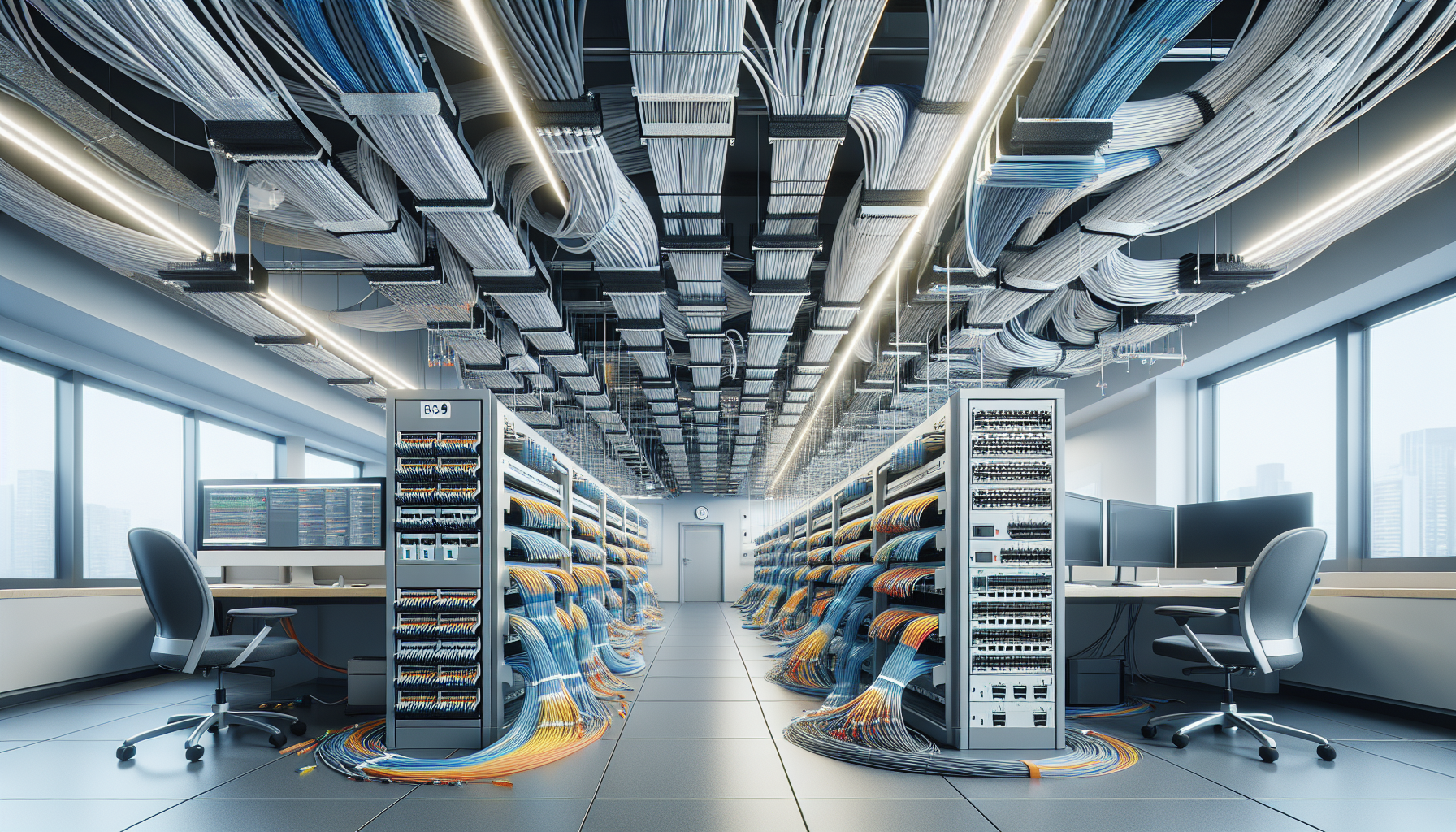
Nothing beats a wired connection for reliability. If your home or office has structured wiring or you’re open to running Ethernet lines, connecting access points by wire ensures no speed loss between rooms. This is especially important for offices with video calls, file transfers, or dozens of connected devices.
6. Don’t Forget Security & Management
When expanding your Wi-Fi network, make sure security keeps up. A properly configured system prevents unauthorized access and keeps business data safe. Many modern systems also offer easy app-based management, so you can monitor your network health and usage in real time.
Final Thoughts
Dead zones don’t have to be a permanent frustration. Whether through mesh Wi-Fi for homes or hardwired access points for offices, extending coverage ensures smooth streaming, working, and communication everywhere.
Graff’s Electric & IT Solutions specializes in designing and installing Wi-Fi networks that fit your space and your needs. From running the cabling to mounting access points, we’ll build a network you can rely on.
👉 Contact us today to schedule a consultation and eliminate Wi-Fi dead zones once and for all.
Sponsored
Need a Licensed Electrician?
Serving Bucks & Montgomery County. Free estimates on all projects.
Get Your Free EstimateNeed Help With This?
Graff's Electric & IT Solutions is here to help with all your electrical and technology needs in Bucks & Montgomery County.